
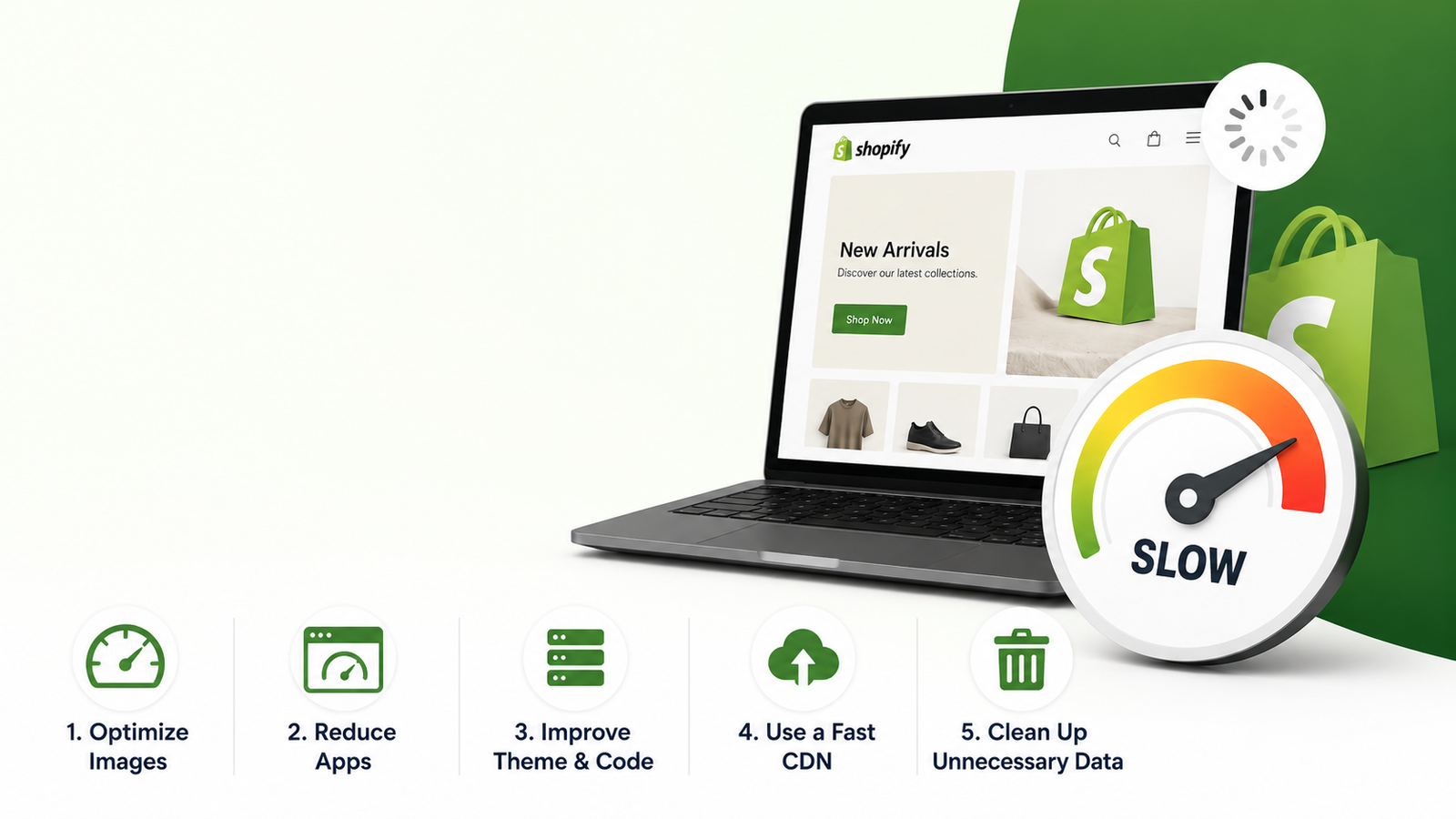
Your Shopify store loading slowly isn’t just annoying — it’s killing your sales. Here’s exactly why it happens and how to fix it without touching a line of code.
Primary Keyword: why is my shopify store slow
Keyword Cluster: shopify page speed optimization, ecommerce website speed test, shopify store not converting, d2c brand website tips
You spent months building your Shopify store. You got the products right. You ran ads. You even paid someone on Fiverr ₹8,000 to make it “look professional.”
And then you checked your page speed score.
37 out of 100.
Ouch.
Here’s the thing nobody tells you: a slow Shopify store isn’t just a technical problem. It’s a revenue problem. Every second your page takes to load, you’re losing real customers — not hypothetically, actually losing them.
In this post, we’ll break down exactly why your Shopify store is slow, what it’s costing you in money, and five fixes you can start this week. No developer required for most of them.
Why Shopify Page Speed Matters More Than You Think
Let’s talk numbers first, because this is the part that should scare you a little.
Google’s own research shows that a one-second delay in page load time reduces conversions by 7%. For a store doing ₹1 lakh a month, that’s ₹7,000 disappearing every month from a problem most founders don’t even know they have.
And it gets worse when you’re running paid ads. You’re paying Meta or Google to send traffic to your store. If that traffic bounces in 3 seconds because the page didn’t load? You just paid for nothing. Every rupee of ad spend that lands on a slow page is a rupee working against you.
Google also uses page speed as a ranking factor. Slow store = lower SEO rankings = less free traffic. So you’re getting hurt twice.
The 5 Real Reasons Your Shopify Store Is Slow
Most store owners assume it’s a Shopify problem. It’s usually not. Here’s what’s actually happening.
1. You Have Too Many Apps Running
This is the number one killer we see when we audit D2C stores.
Every Shopify app you install adds code — called scripts — that load on every page. Review app. Upsell pop-up. Chat widget. Countdown timer. Loyalty points. Each one seems harmless alone. Together, they’re quietly murdering your load time.
The painful truth: most store owners have 15–25 apps installed, but actively use maybe 8. The rest are just dead weight that still loads every time a customer visits.
What to do: Go to your Shopify admin → Apps → and delete every app you haven’t used in the last 30 days. Seriously. If you’re scared to delete it, at least disable it.
2. Your Images Are Not Optimised
A product photo from your photographer’s camera is probably 4–8 MB. Beautiful? Yes. Practical for a webpage? Absolutely not.
Images are almost always the single biggest contributor to slow load times on Shopify stores. If your homepage has 10 unoptimised images, your visitors are downloading 40–80 MB of data just to see your store. On mobile, on an average Indian 4G connection, that’s going to feel like watching paint dry.
What to do: Compress every image before uploading. Tools like TinyPNG or Squoosh are free and take 30 seconds per image. For Shopify specifically, use WebP format where possible — it’s smaller than JPG and PNG while looking identical to the human eye.
3. Your Theme Is Doing Too Much
Premium Shopify themes are beautiful. They’re also often packed with animations, sliders, parallax effects, video backgrounds, and features you’ll never use — all of which load regardless.
Many D2C brands buy a ₹5,000–₹15,000 theme thinking it’ll make their store look premium, without realising it’s also slowing their page from 1.2 seconds to 4.1 seconds.
What to do: Run your store through PageSpeed Insights (free). It’ll tell you exactly which elements are slowing you down. If your theme is the culprit, consider switching to a lighter one — Shopify’s free themes like Dawn are actually well-optimised.
4. You’re Loading Fonts and Scripts You Don’t Need
Custom fonts look great. But loading 4 different font weights from Google Fonts on every page? That’s 4 separate network requests before your customer even sees any content.
Same goes for scripts. Google Analytics, Facebook Pixel, Hotjar, TikTok Pixel — all necessary, but if loaded incorrectly, they block your page from rendering until they’re done.
What to do: Use Google Tag Manager to load all your tracking scripts in one place, and set them to load asynchronously (meaning they load in the background, not before your page content). This alone can knock 0.5–1 second off your load time.
5. You Have No Lazy Loading on Images
By default, when a customer visits your product page, Shopify tries to load every single image on that page — including the ones at the bottom the customer hasn’t scrolled to yet.
Lazy loading means images only load when a customer is about to see them. It’s a simple setting that makes a big difference, especially on product pages with 8–12 images.
What to do: Most modern Shopify themes support lazy loading natively. Check your theme settings first. If yours doesn’t, there are lightweight apps that add this in minutes.
How to Actually Test Your Shopify Page Speed
Before you fix anything, measure it. Here are three free tools that work well:
Google PageSpeed Insights — Goes to pagespeed.web.dev, paste your URL, run for both mobile and desktop. Mobile score is what matters most for D2C brands in India since 70–80% of traffic is mobile.
GTmetrix — Gives you a detailed waterfall view showing which specific files are slowing you down. Free tier is enough to get started.
Shopify’s Built-in Speed Report — Go to your Shopify admin → Online Store → Themes → and look for the speed report. It compares you to similar stores, which gives useful context.
A healthy Shopify store should score above 60 on mobile and above 80 on desktop. If you’re below that, you have work to do.
What a 1-Second Improvement Is Actually Worth
Let’s get specific because this is the part that makes it real.
Say your Shopify store gets 3,000 visitors a month. Your current conversion rate is 1.5% (which is average for most D2C brands). That means 45 orders.
If your page speed improvement bumps conversion rate to 2% — a realistic outcome from fixing the issues above — you’d have 60 orders instead of 45. That’s 15 extra orders a month from the same traffic.
At an average order value of ₹800, that’s ₹12,000 extra revenue per month from a faster website. ₹1,44,000 a year. From optimising images and deleting unused apps.
This is why we tell every D2C brand we work with: your website isn’t just a brochure. It’s your best salesperson. A slow salesperson loses deals.
The Bigger Picture: Speed Is Just One Part
Page speed is the most common problem we fix when we audit D2C websites, but it’s rarely the only one.
Most stores we look at also have issues with:
- Confusing navigation that makes it hard to find products
- Product pages that don’t build enough trust to convert
- Checkout flows with too many steps
- Mobile layouts that look broken on certain screen sizes
Speed gets customers to the door faster. But the rest of your website has to do the job of actually convincing them to buy.
If you want to know exactly what’s holding your store back, we do free 20-minute website audits for D2C brands. We’ll look at your speed, your conversion flow, your mobile experience — and give you a clear list of what to fix and in what order.
No pitch. No obligation. Just a founder-to-founder honest look at your store.
Quick Recap: Your Shopify Page Speed Checklist
Before we wrap up — your action list for this week:
- [ ] Run your store through Google PageSpeed Insights (mobile score)
- [ ] Delete unused Shopify apps
- [ ] Compress all images with TinyPNG before re-uploading
- [ ] Check if your theme has lazy loading enabled
- [ ] Set up Google Tag Manager for async script loading
- [ ] Run the test again and compare
Do these five things and your store will almost certainly be faster. For most D2C brands, this alone moves the needle on conversion rate within the first month.
Related Reading
- 5 eCommerce Website Mistakes That Kill Conversions ← internal link
- WooCommerce vs Shopify: Which Is Right for Your D2C Brand? ← internal link
- How to Reduce Cart Abandonment for D2C Brands ← internal link
DigitalTrax builds and optimises websites for D2C brands. If your store is slow, broken on mobile, or just not converting the way it should — book a free audit call. We’ll tell you exactly what’s wrong.
No Comments